

Why Can't I See My Google Ads Showing in Search Results?
Ross Cohen • August 7, 2023
You’re running a Google Ads campaign, but where are your ads? You can’t see your ads showing in search results and have no idea why.
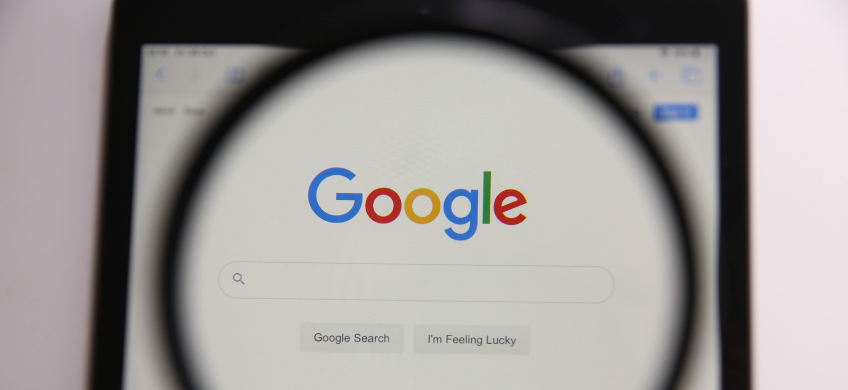
There are a few reasons you might not be seeing your ads. In this blog post, we’ll go over the most common.
Why You Can’t See Your Ads Showing in Search Results
- You’re not located in your targeted area. In order to see your ads, you need to be located within the area you’re targeting on Google Ads. For example, let’s say you’re located in Florida, but you’re running ads for a business located in (and targeting) Maryland. Because you’re outside your targeted area, you would not be able to see your own ads.
- You’re not actually targeting the keywords you’re searching for. Try double-checking in your campaign that you’re actually targeting the keyword you’re searching for. Maybe you accidentally left it out when building your campaign. It’s also possible you added it as the most restrictive type, exact match. In this case, you would not be able to see your ads unless you Googled the keyword in the exact way you’re targeting it in your campaign. Try using phrase match rather than exact match to get your ads to show more frequently.
- You’ve run out of budget for the day. It’s possible you’ve already used up your entire Google Ads budget for the day, causing your ads to stop showing. Try searching earlier in the day to see your ads. Or, if you’d like your ads to show more frequently, increase your budget to ensure you have coverage for the entire day.
- You’re being outbid by high-spending competitors. If you’re in a competitive industry on Google Ads, it’s possible you’re being outspent by competitors with budgets much larger than yours, who are able to bid much higher and completely box you out of search results. If this is the case, you’ll need to raise your budget (and bids) to get your ads to show.
- Your ads have been paused. Did you miss a payment to Google for your ad spend? Did you fail to verify your account within 30 days when Google requested it? Are your ads disapproved for policy reasons (“destination not working,” for example)? These are all scenarios in which your ads would be paused, and you would not see them in Google search results. You’ll need to log into your Google Ads account to see what’s going on and resolve it.
- Your ads are behaving as intended. Fact: your ads will not show every time someone searches your keywords, even if your campaign is set up correctly with an ample budget. Google simply does not serve ads with every search, for reasons known only to Google. If you’re seeing your ads sometimes, but not all the time, know that this is a normal way for a Google Ads campaign to behave.
Need a Google Ads Expert on Your Side?
Still can’t figure out why your ads aren’t showing? Maybe you need a Google Ads expert on your side. We offer Google Ads Management that gets your phone ringing fast, with an affordable monthly fee and no long-term contacts. Request a free consultation to discuss your account today!

Proper blog structure improves organic reach, readability, and rankings by aligning content with user intent and search engine expectations.
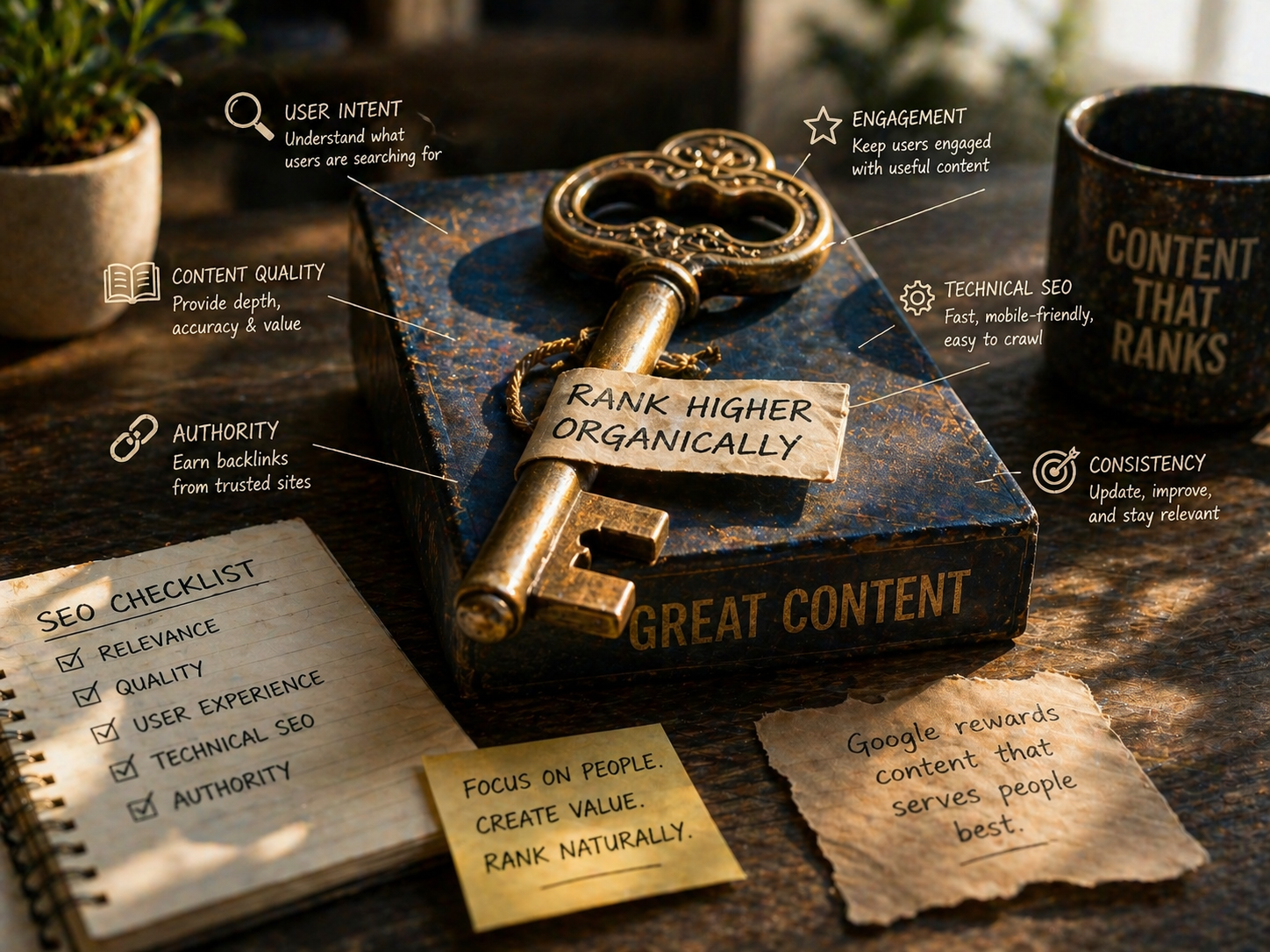
Learn what makes content rank on Google. Discover how intent, quality, structure, and SEO fundamentals drive long-term organic visibility and growth.
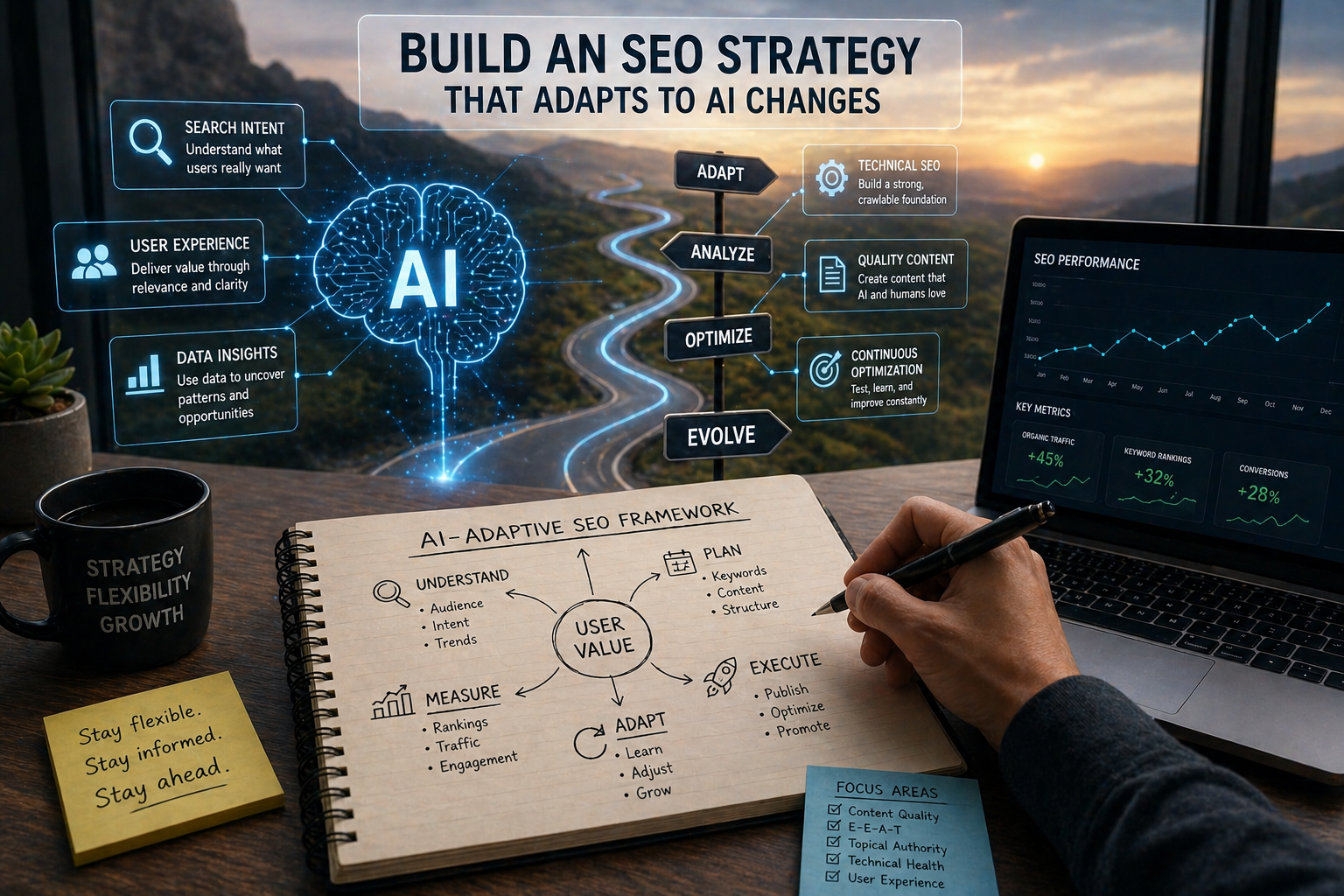
Build an SEO strategy that adapts to AI changes. Learn how to stay competitive with smarter content, data insights, and continuous optimization.

AI tools simplify on-page optimization. Learn how to improve content, structure, and SEO performance while boosting rankings and user engagement.

AI is reshaping technical SEO practices. Learn how to optimize site structure, speed, and performance to stay competitive in modern search.
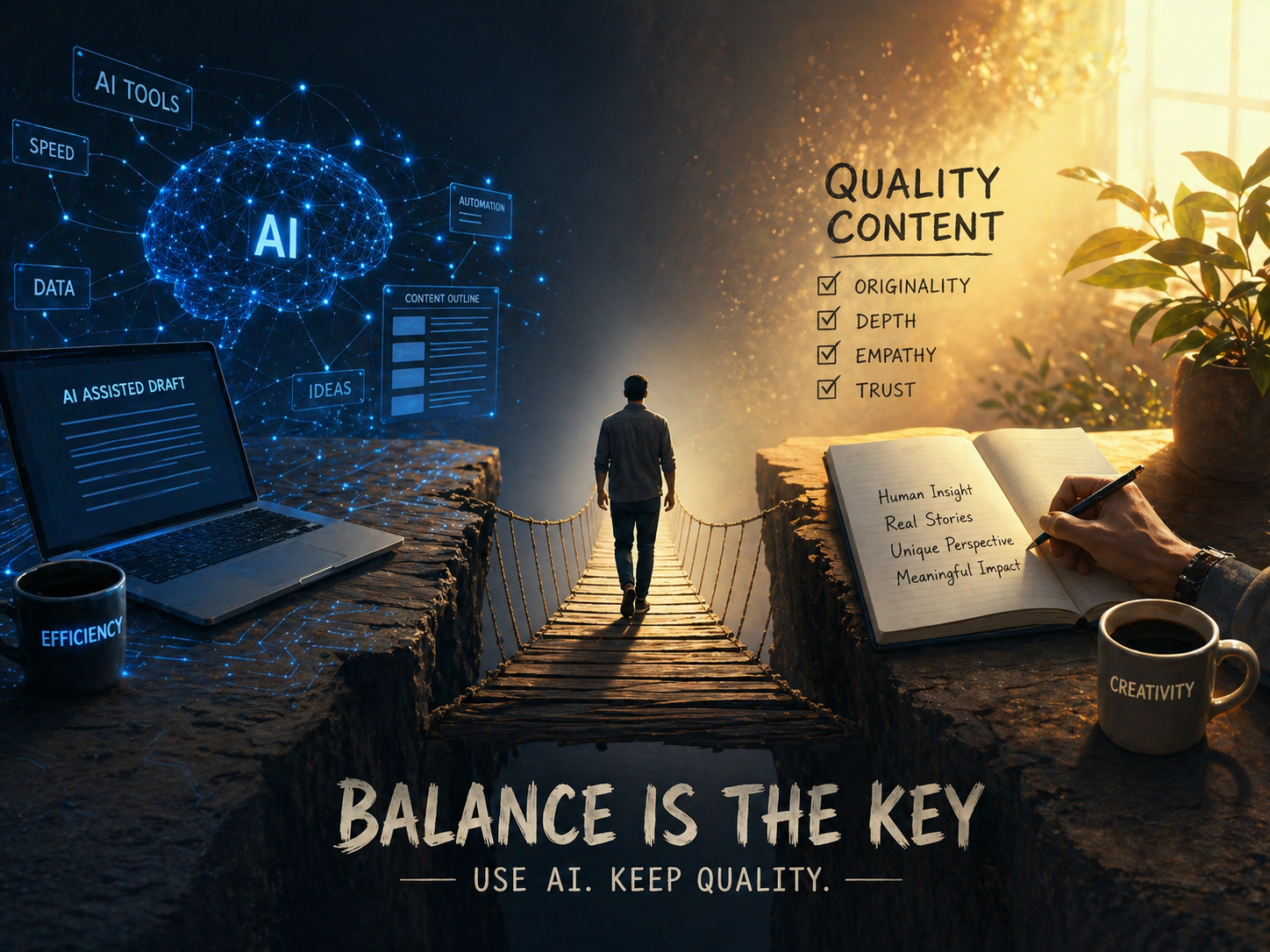
Use AI tools without losing content quality. Learn how to balance automation with human insight to create valuable, high-performing SEO content.
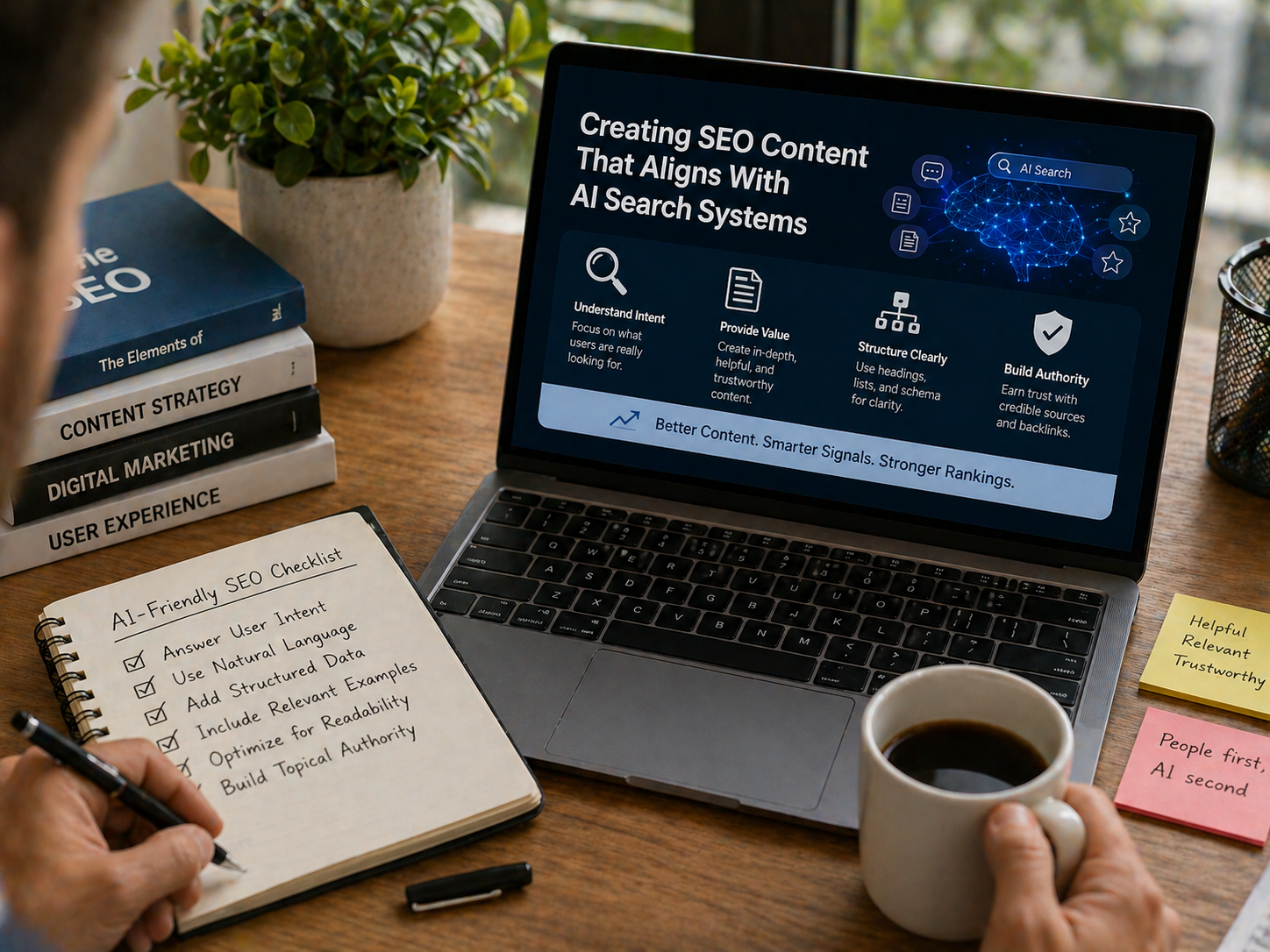
Create SEO content that aligns with AI search systems. Learn how to improve rankings with better structure, intent, and user-focused strategies.
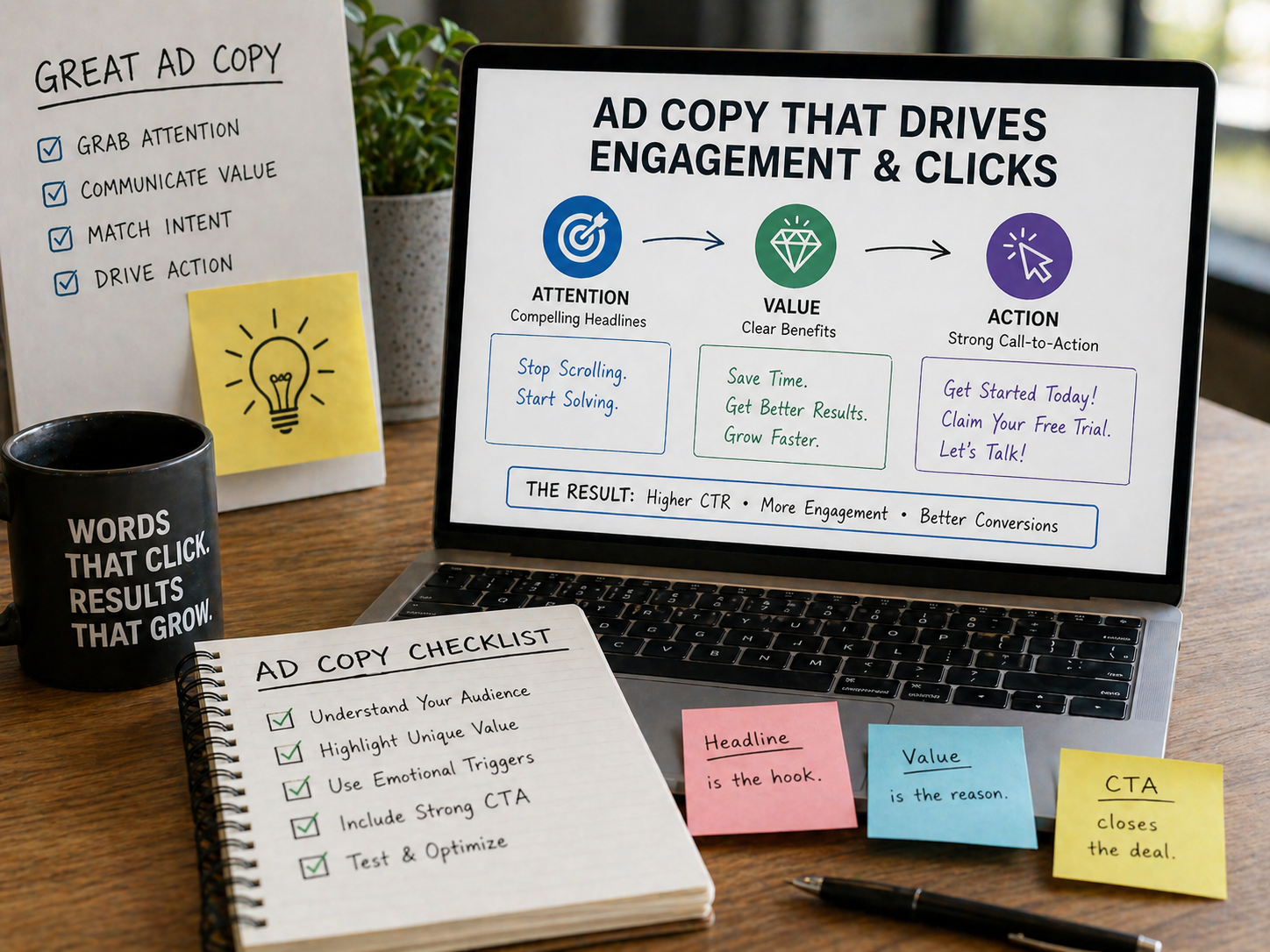
Ad copy drives clicks and engagement. Learn how to write compelling headlines, improve CTR, and turn your ads into high-performing campaigns.
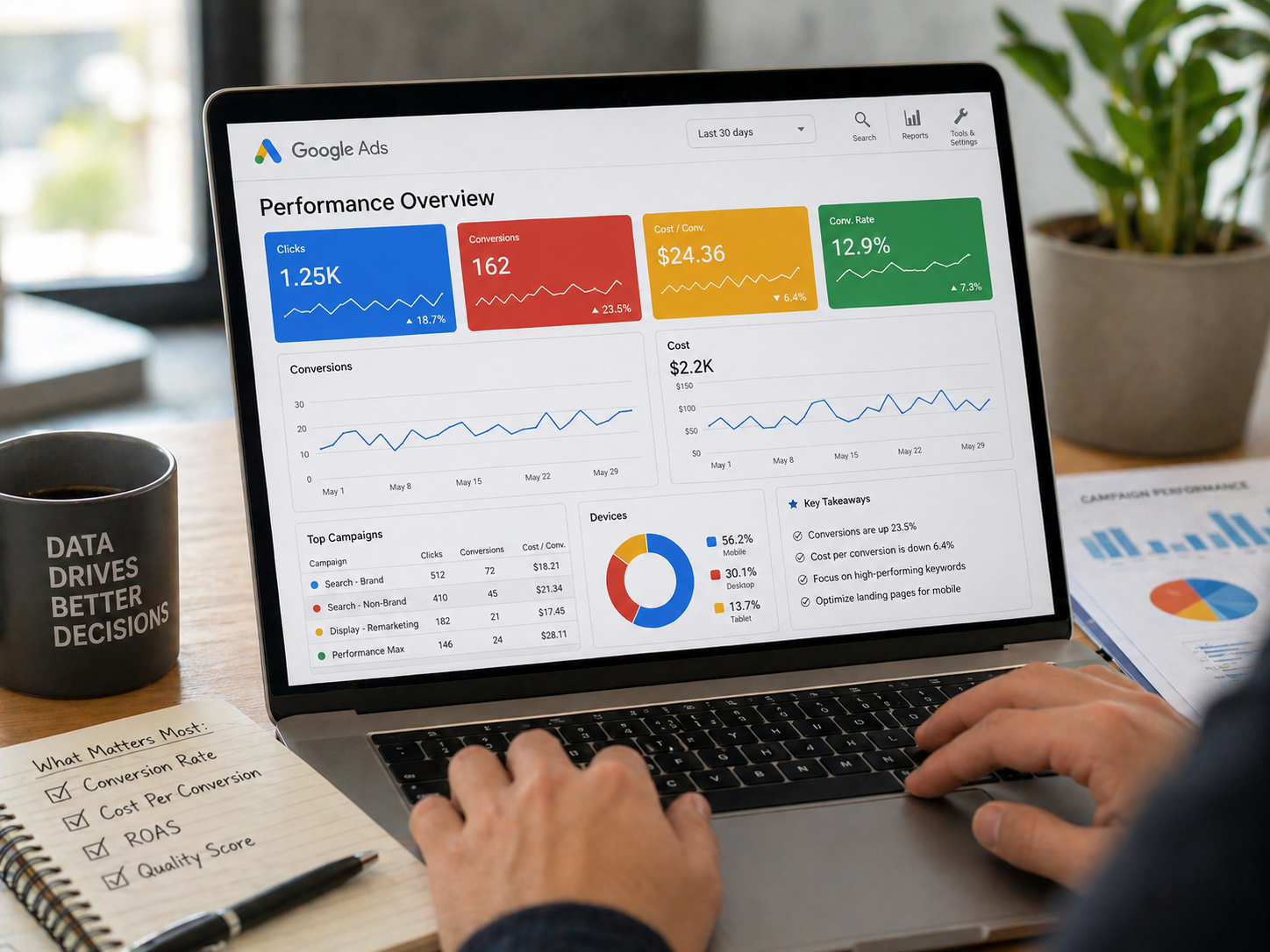
Focus on the Google Ads metrics that drive real results. Learn how to track conversions, ROAS, and performance to maximize your ad spend.
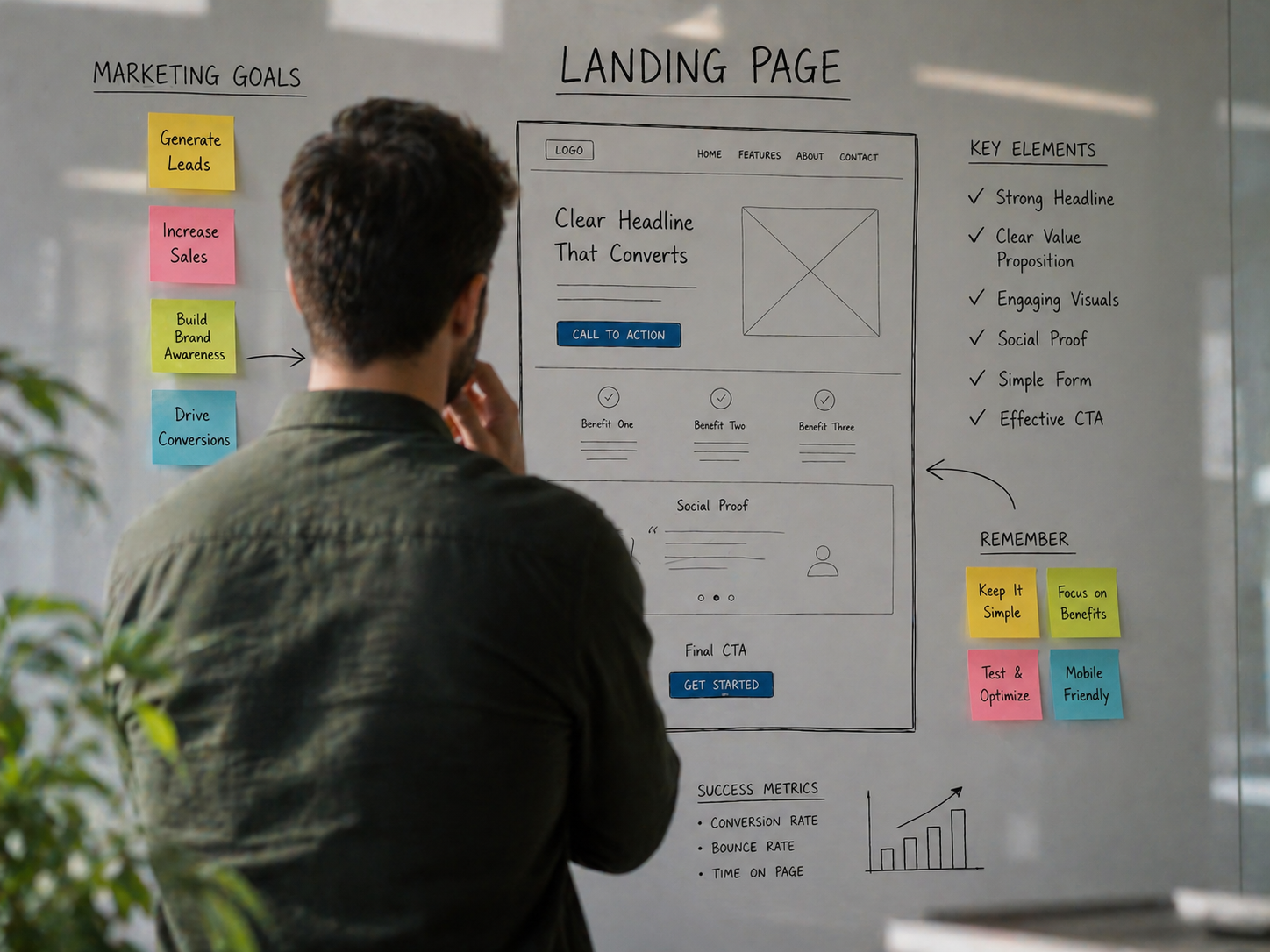
Create landing pages that convert with clear goals, strong messaging, and smart design. Learn how to turn traffic into leads and measurable results.
